MK TextBiz gives you two distinct ways to reach your contacts: Quick Send and Campaign Builder. On the surface they both end with a text landing in someone's phone, but the path to get there, and the situations each one is built for, couldn't be more different. Picking the right one saves time and avoids configuring a feature you don't actually need.
Quick Send: built for speed
When you need to get a message out right now, a same-day promotion, an urgent update, a one-off reply to a small group, Quick Send skips the extra configuration and lets you fire off a message in a couple of clicks. There's no scheduling step, no recurrence setup, no campaign name to assign. You write the message, pick the recipients, and send.
This is the tool most businesses reach for instinctively when something comes up that wasn't planned. A shipment got delayed and a handful of customers need to know. A class got moved to a different room. A flash sale just went live and you want existing customers to hear about it before it ends. None of these situations benefit from a multi-step setup process, and Quick Send is built around that reality.
Campaign Builder: built for planning
Campaign Builder is where you schedule one-time or recurring SMS campaigns in advance, set a specific send date and time, and configure repeat schedules. It's the tool for messages you already know are coming before they need to go out.
A weekly promotion that goes out every Friday morning doesn't need someone manually sending it each week. A monthly newsletter-style update, a recurring appointment reminder, a seasonal campaign planned a month in advance, these all belong in Campaign Builder, where they can be set up once and trusted to fire automatically on schedule.
- Scheduled send date and time: Set exactly when a campaign goes out instead of relying on someone to remember to send it.
- Recurring schedules: Configure a campaign to repeat weekly, monthly, or on whatever cadence fits your business.
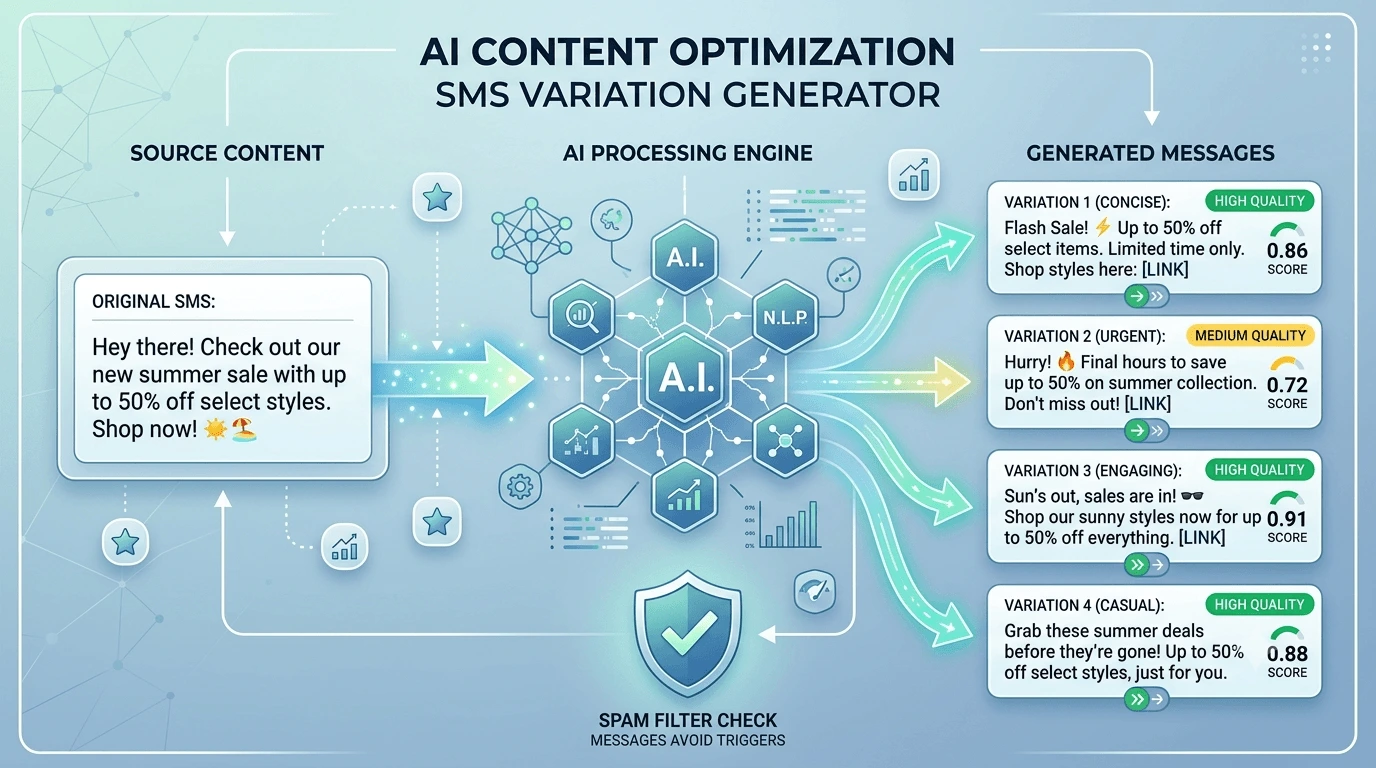
- Spintax support: Vary message wording automatically across large sends to reduce the risk of carrier filtering.
A simple rule of thumb
If it's reactive and immediate, use Quick Send. If it's planned, recurring, or part of a larger campaign strategy, build it in Campaign Builder so it goes out exactly when you want, automatically, without anyone needing to remember to hit send.
Tip: A good test: if you'd be upset to discover the message went out a day late, it probably belongs in Campaign Builder. If a day's delay wouldn't matter much, Quick Send is fine.
Why switching between them doesn't cost you anything
Both tools pull from the same contact lists and reporting, so switching between them doesn't fragment your data. Delivery and reply stats live in one place regardless of which tool you used to send the message, which means you can use Quick Send for an unplanned update on Tuesday and Campaign Builder for a scheduled promotion on Friday without ever losing visibility into how either one performed.
In practice, most businesses end up using both regularly, just for different things. Quick Send handles the unexpected. Campaign Builder handles the planned. Neither one replaces the other, and that's by design.